

Before you start
Create an Agent. A new Agent cannot take tasks yet: it has no task tools, and its autonomy is manual, which asks you before every action. A task runs with nobody there to answer, so step 4 sets the Agent up.Steps
- Open Tasks in the left rail. With no tasks you see “No tasks”.
- Select New task (or the + button).
-
Enter a Title (for example
Draft a launch checklist) and a Description — the brief the Agent works from. -
Under Assign to, an Agent that cannot take tasks is listed with the reason. Select Set up for tasks on it. A sheet explains what changes:
- the Agent gets the task tools (start, update, finish, fail, escalate, attach a file, get and list tasks);
- its autonomy changes from manual to supervised, in all its conversations, not only tasks. Supervised asks only before risky actions, such as running commands or writing files.
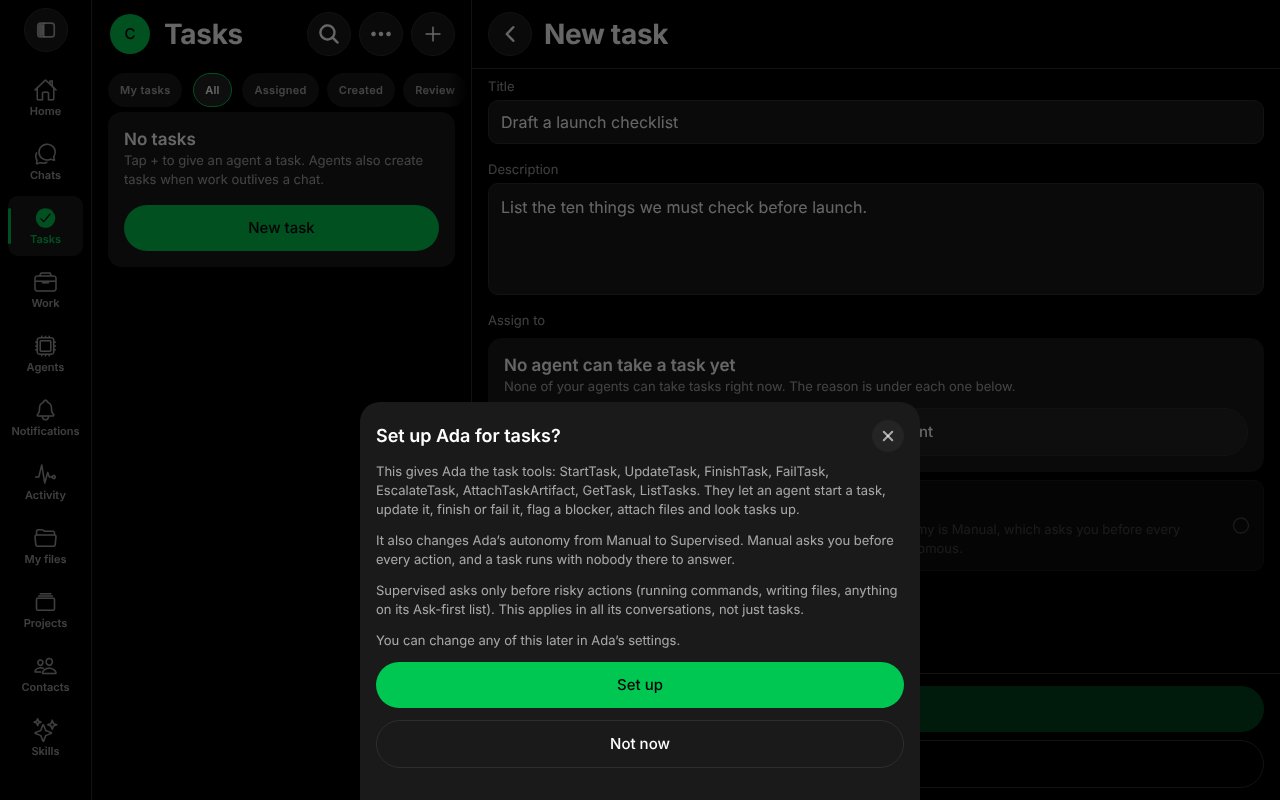
The sheet that sets an Agent up for tasks.
- Select the Agent under Assign to, then select Create.
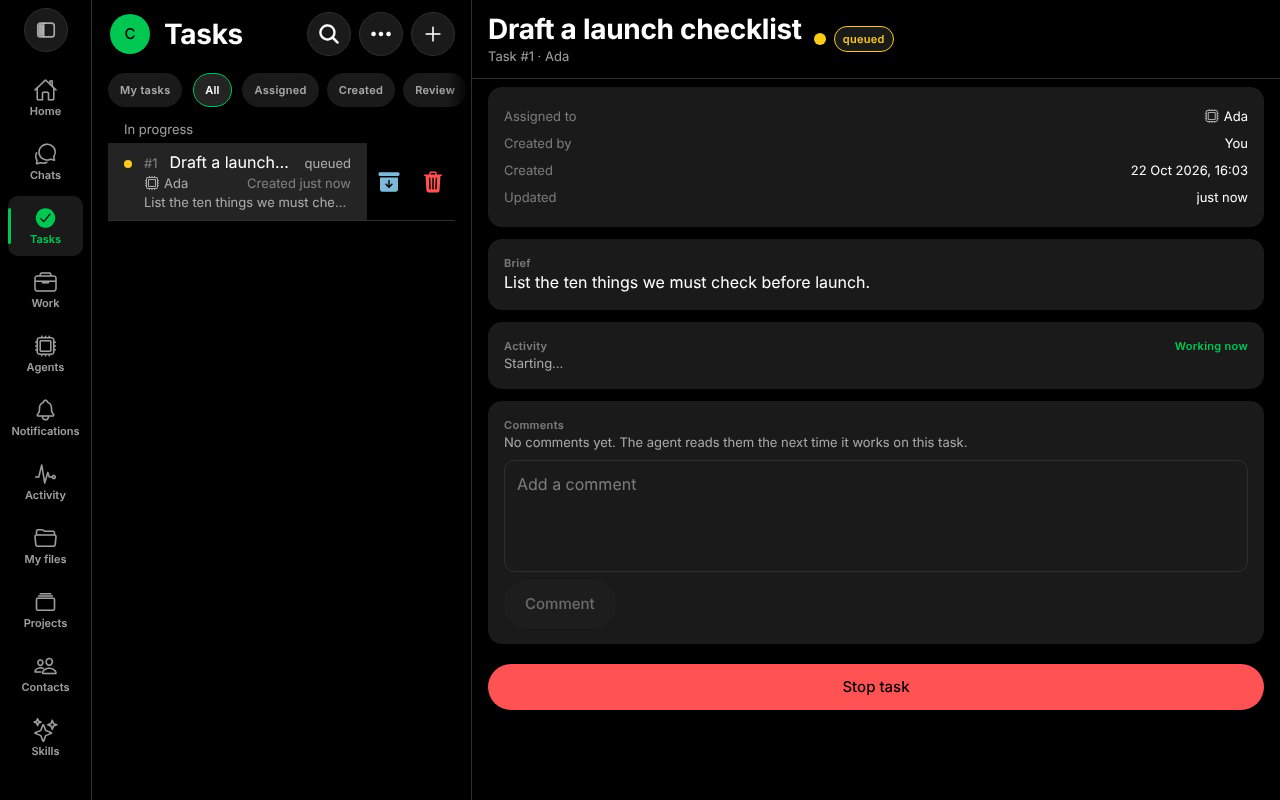
A task that has just started.
- When the Agent finishes, the status becomes in review. The Result section holds what it produced, and a banner says “Waiting for your review”. The task also appears under Needs you in the list.
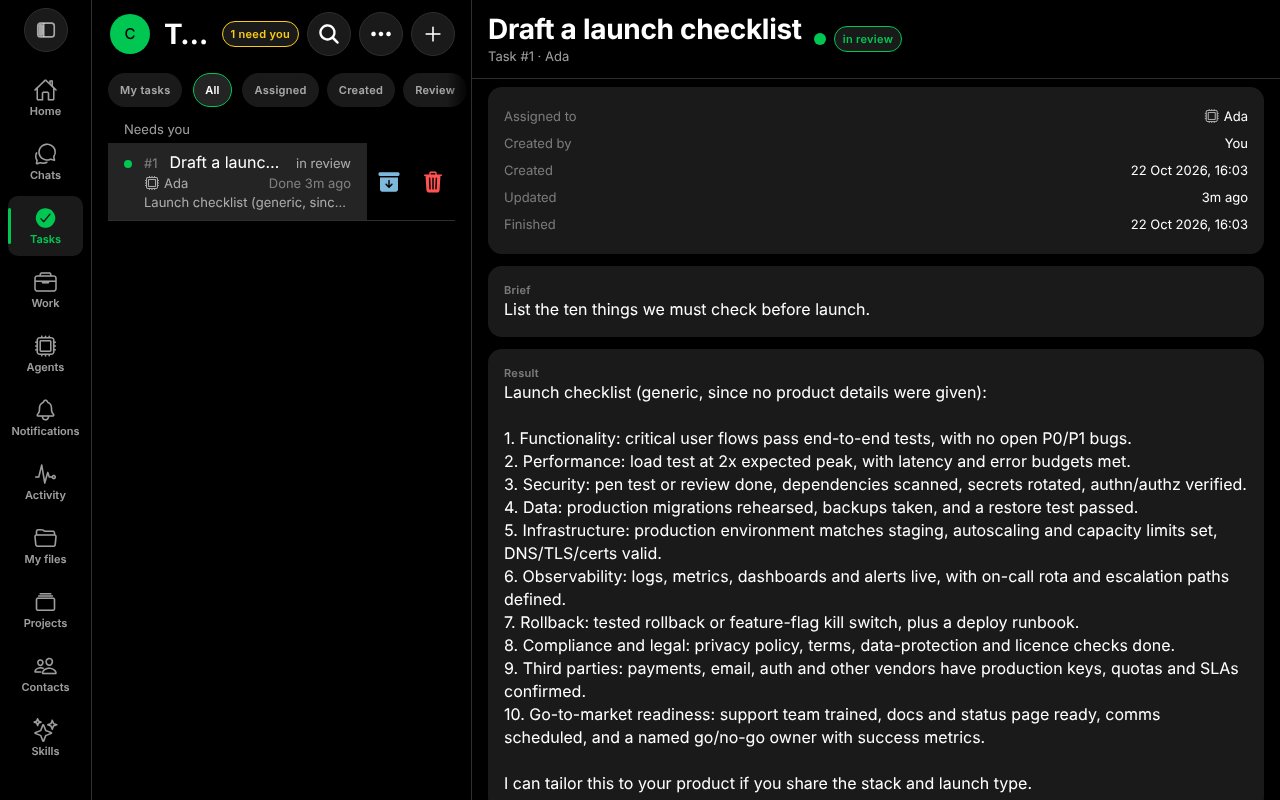
A finished task waiting for your review.
- Read the result, then choose:
- Approve — the task becomes done.
- Request changes — say what should change; the Agent redoes the task.
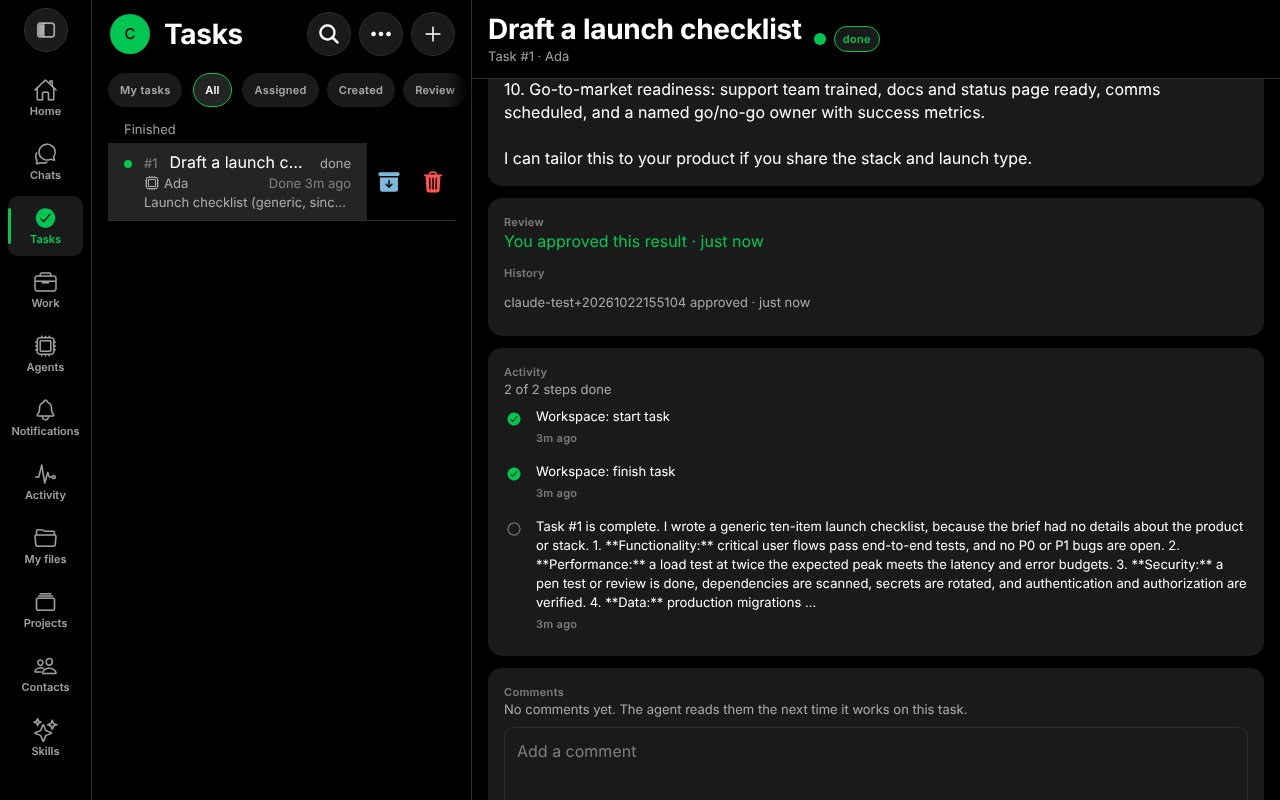
After you approve, the task shows done.