

Before you start
Create an Agent. Its chat opens when you create it.Steps
- Open Chats in the left rail. Each Agent is a row; the newest message is shown under its name.
- Select the Agent’s row. The chat opens next to the list.
- Type your message in the Message box. For example:
Say hello in five words. - Press Enter.
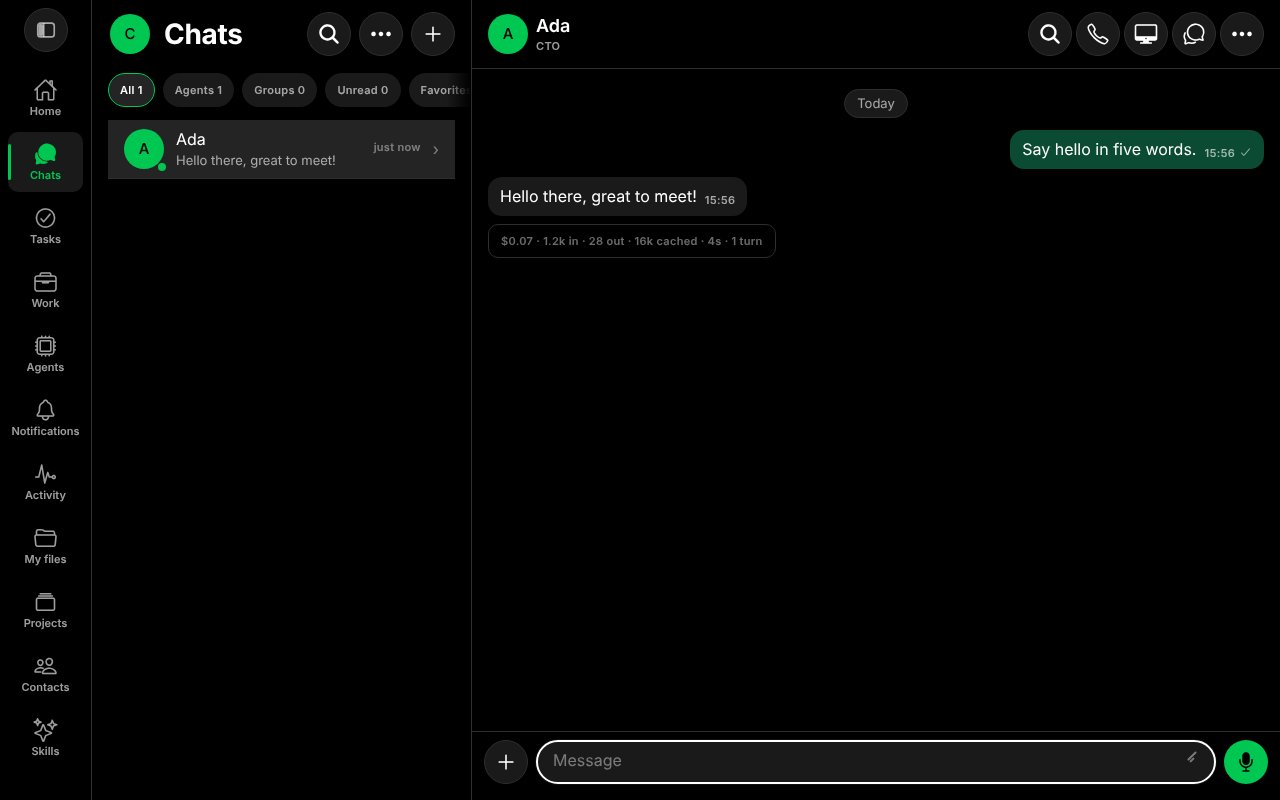
A message and the Agent's reply, with the run summary under it.
Read the run summary
Under the reply, a small line summarises the turn: its cost in US dollars, tokens in and out, how many tokens came from cache, the time it took, and the number of turns. It helps you see what a conversation costs. Spend limits are described in Approvals.Good to know
- The chat keeps the whole conversation. You can leave and come back; the Agent continues where you stopped.
- Use the buttons at the top of the chat for search, a phone call, the Agent’s Computer, other conversations and more.